Why Missing Data Lineage Causes 70% of AI Debugging Delays
Imagine spending days hunting down a single corrupted data point that breaks your AI model’s output. That’s the reality when data lineage is missing or incomplete in complex AI pipelines. Without a clear map of where data comes from and how it flows, engineers waste precious time chasing ghosts.
The cost of chasing data errors without lineage is steep. Teams often dig through multiple disconnected systems, guessing which transformation or input caused the problem. This leads to duplicated efforts, frustration, and delayed releases. Worse, the longer the debugging drags on, the more downstream processes get affected, compounding the issue.
Here’s what missing data lineage typically means in practice:
- Blind troubleshooting: Engineers lack visibility into data origins and transformations.
- Fragmented logs: Data changes spread across tools with no unified trace.
- Repeated guesswork: Teams try fixes without knowing root causes.
- Delayed fixes: Errors propagate longer before detection.
- Compliance risks: Without lineage, proving data integrity is near impossible.
On the flip side, how data lineage accelerates root cause analysis is straightforward. When you can trace every data point back through the pipeline, you pinpoint exactly where and why it went wrong. This clarity slashes the time spent debugging and reduces costly rework.
With lineage, you get:
- End-to-end visibility: Clear paths from raw data to model input.
- Faster error isolation: Identify faulty transformations or inputs quickly.
- Better collaboration: Shared understanding across teams.
- Proactive monitoring: Catch anomalies early before they cascade.
- Simplified audits: Easily demonstrate data flow for compliance.
In short, robust data lineage is not a luxury. It’s the backbone of efficient AI debugging and a must-have for meeting today’s compliance demands.
5 Essential Data Lineage Components for Transparent AI Pipelines
Data lineage is only as good as the components you track. These five pillars form the backbone of traceability in AI workflows. Nail them, and you get auditability, faster debugging, and compliance readiness.
| Component | What It Tracks | Why It Matters |
|---|---|---|
| Data Sources and Ingestion | Origins of raw data, ingestion timestamps | Establishes trust and provenance |
| Transformations and Feature Engineering | Data manipulations and feature derivations | Pinpoints where errors or bias creep in |
| Model Inputs and Outputs | Exact data fed into and produced by models | Links data flow to model behavior |
| Metadata and Versioning | Schema, parameter versions, data snapshots | Enables rollback and reproducibility |
| Compliance Requirements | Data handling policies, audit trails | Ensures regulatory and internal standards |
Tracking Data Sources and Ingestion
Start with a clear record of where your data comes from and when it enters the pipeline. This includes raw datasets, streaming inputs, and third-party feeds. Without this, you have no baseline to verify data integrity or trace contamination. Timestamping ingestion events adds crucial context for debugging time-sensitive issues.
Recording Transformations and Feature Engineering
Every transformation your data undergoes, cleaning, filtering, aggregation, feature extraction, must be logged. This layer reveals the exact operations that shape your model’s inputs. Missing this means you’re blind to where errors or bias might be introduced, turning debugging into guesswork.
Capturing Model Inputs and Outputs
Document the precise data your model consumes and the outputs it generates. This component ties the lineage directly to model behavior, making it easier to correlate data anomalies with prediction errors or performance drops. It’s the bridge between data and AI results.
Storing Metadata and Versioning
Metadata includes schema details, data quality metrics, and version information for datasets and code. Versioning lets you reproduce past states of your pipeline, essential for audits and rollback scenarios. Without it, you risk chasing phantom bugs or failing compliance checks.
Linking Lineage to Compliance Requirements
Finally, your lineage system must incorporate compliance rules and audit trails. This means tracking data handling policies, consent statuses, and access logs. It turns lineage from a debugging tool into a compliance enabler, helping you meet evolving regulations with confidence.
Master these components, and your AI pipeline gains the transparency and control needed to debug faster and stay compliant. For practical implementation tips, see the next section on [3 Practical Methods to Implement Data Lineage in Complex AI Pipelines](/blog/ai-ob
3 Practical Methods to Implement Data Lineage in Complex AI Pipelines
Building a robust data lineage system isn’t a one-trick pony. It requires combining several approaches to cover all bases, from capturing raw metadata to visualizing complex dependencies and integrating with your development workflow. Here are three practical methods that, when combined, give you a lineage setup that supports both rapid debugging and regulatory audits.
Automated Metadata Capture Tools
Manual tracking is a dead end. Automated tools that capture metadata at every stage of your AI pipeline are essential. These tools hook into your data sources, transformation steps, and model training processes, collecting details like timestamps, data versions, and processing parameters without human intervention. This reduces errors and ensures you have a complete, up-to-date lineage record. The key is to pick tools that integrate seamlessly with your existing infrastructure and scale with your pipeline complexity.
Graph-Based Lineage Visualization
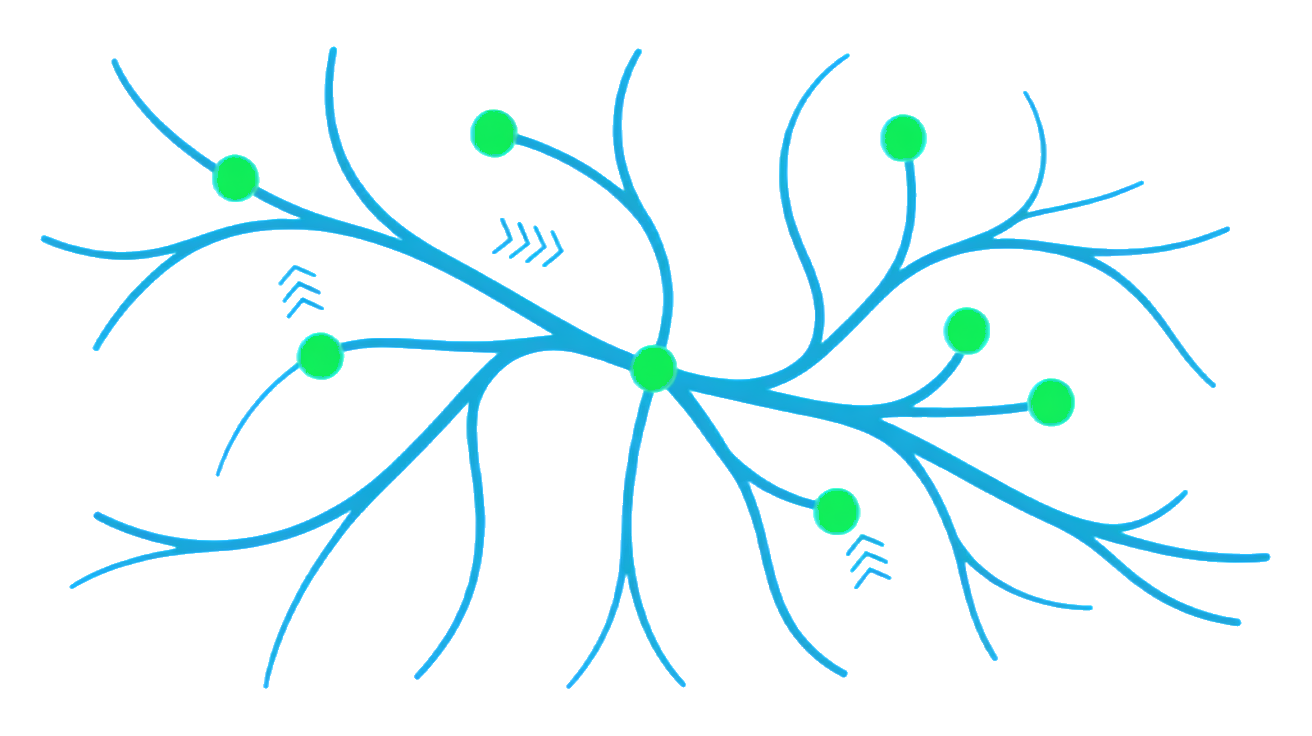
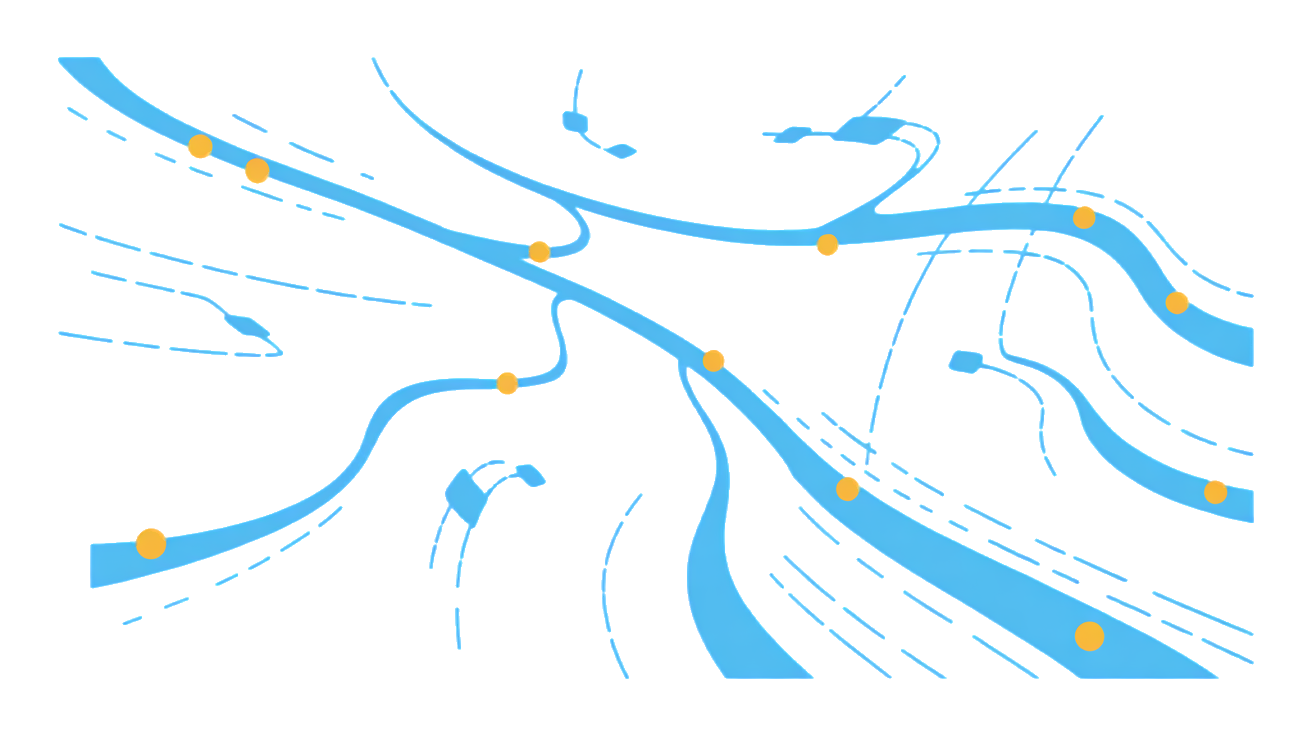
Raw data logs are useless if you can’t interpret them quickly. Graph-based visualization tools turn lineage data into interactive maps showing how data flows and transforms across your pipeline. These visualizations help you spot bottlenecks, trace error origins, and understand dependencies at a glance. They also provide auditors with clear, navigable evidence of data handling practices. The best tools let you drill down from high-level overviews to granular details, making complex pipelines manageable.
Version Control and Pipeline Integration
Lineage isn’t just about data. Your code, configuration, and pipeline definitions must also be versioned and linked to the data they produce. Integrating lineage tracking with your version control system and CI/CD pipelines ensures every change is traceable. This creates an audit trail that connects data artifacts to the exact code and environment that generated them. It also enables reproducibility, a critical factor for debugging and compliance.
| Method | Purpose | Key Benefit |
|---|---|---|
| Automated Metadata Capture | Collects detailed data and process info | Eliminates manual errors, ensures completeness |
| Graph-Based Visualization | Maps data flow and dependencies | Speeds up debugging, clarifies audits |
| Version Control Integration | Links code changes to data artifacts | Enables reproducibility and traceability |
Combining these methods builds a comprehensive lineage system. You get automated data capture, intuitive visualization, and tight integration with your development lifecycle. This trifecta is your best defense against debugging delays and compliance headaches.
Next up: How to Log Data Lineage Programmatically: Python Example with Explanation.
How to Log Data Lineage Programmatically: Python Example with Explanation
Tracing your data lineage starts with instrumenting your AI pipeline to capture every transformation and metadata detail. The goal is to build a clear, auditable trail without drowning in complexity. Let’s break it down.
Setting Up Lineage Logging
First, create a simple logging framework that hooks into your data processing steps. Use Python’s built-in logging or a lightweight wrapper to capture events like data ingestion, transformation start and end, and output generation. Keep logs structured, JSON works well, to store metadata such as timestamps, input sources, and user IDs. This makes querying and visualization easier later.
import logging
import json
from datetime import datetime

logging.basicConfig(level=logging.INFO, format='%(message)s')
logger = logging.getLogger('data_lineage')

def log_event(event_type, details):
    event = {
        'timestamp': datetime.utcnow().isoformat(),
        'event_type': event_type,
        'details': details
    }
    logger.info(json.dumps(event))
Capturing Transformations and Metadata
Next, wrap your transformation functions to log inputs, outputs, and parameters. This creates a chain of lineage records that show exactly how data changes at each step. Include version info for your code and data schemas to boost reproducibility and compliance.
def transform_data(data, param):
    log_event('transformation_start', {'param': param, 'data_shape': data.shape})
    # Example transformation
    result = data * param
    log_event('transformation_end', {'result_shape': result.shape})
    return result
Querying Lineage for Debugging
With logs in place, you can query your lineage data to pinpoint where errors or unexpected results originate. Filter events by type, timestamp, or parameters to reconstruct the data flow. This audit trail is invaluable for debugging and proving compliance during reviews or audits.
- Search logs for
transformation_startandtransformation_endpairs - Trace back from output anomalies to input sources
- Extract metadata to verify data freshness and version consistency
This programmatic approach keeps your lineage transparent, actionable, and ready for compliance checks without adding heavy overhead.
Frequently Asked Questions About AI Data Lineage
How does data lineage improve AI model debugging?
Data lineage provides a clear map of how data flows through your AI pipeline. When an output looks off, you can trace back step-by-step to find exactly where the problem started, whether it’s a corrupted input, a faulty transformation, or a version mismatch. This targeted approach slashes debugging time and avoids guesswork, as we discussed in the section on why missing lineage causes most AI debugging delays.
What compliance risks arise without proper data lineage?
Without solid data lineage, proving that your AI system complies with regulations becomes a guessing game. Auditors want to see exact data origins, transformations, and versions to ensure transparency and accountability. Missing or incomplete lineage can lead to compliance failures, fines, or forced shutdowns. The programmatic methods for extracting metadata and tracing transformations help you stay audit-ready and avoid these risks.
Which tools best integrate with AI pipelines for lineage tracking?
The best tools fit seamlessly into your existing workflow and capture lineage without slowing down your pipeline. Look for solutions that support automated metadata extraction, transformation tracking, and version control. Many open-source and commercial options exist, but the key is choosing one that matches your stack and scales with your pipeline’s complexity, as outlined in the earlier section on practical lineage implementation methods.